


Setup guide
Charge it, pair it to your 2.4 GHz Wi‑Fi in the app and mount it. About 5 minutes.
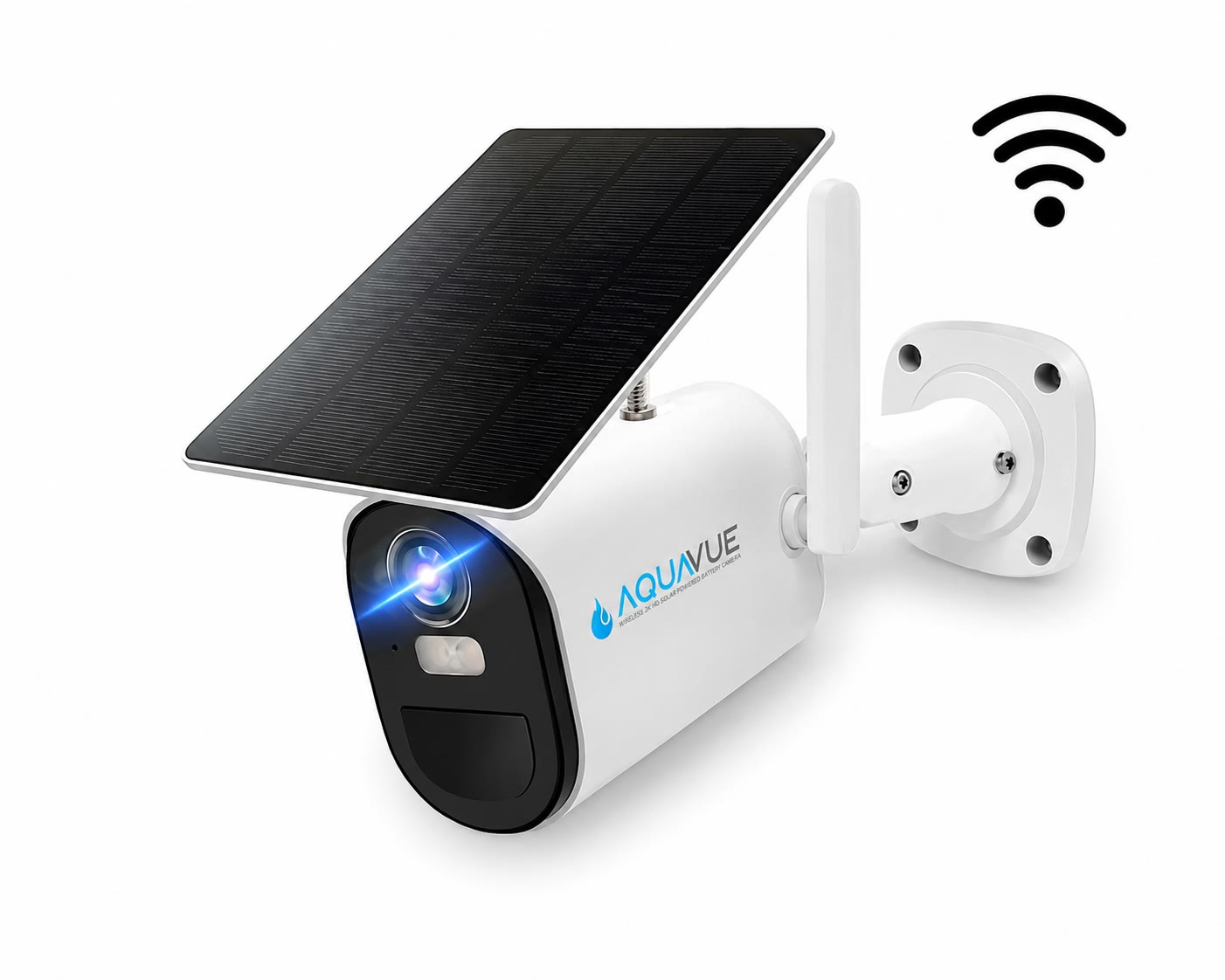
1
Step 1 · Charge
Make sure your Solace Wi‑Fi camera is fully charged before you start pairing.
Step 2 · Pair & mount
Follow these in order. Most people are done in about 5 minutes.
1
Power on
Wait for the voice prompt and a flashing blue light.
2
Use 2.4 GHz Wi‑Fi
Connect your phone to the 2.4 GHz Wi‑Fi network the camera will use.
3
Open the AquaVue app
Tap “Add device” → “Set up Wi‑Fi device”. Get the app
4
Show the QR code
Hold your phone about 4 inches from the lens until the camera pairs.
5
Mount it
Tap play in your device list to see it live.

2.4 GHz Wi‑Fi only
Solace Wi‑Fi doesn’t connect to 5 GHz networks. If your router shows two networks, pick the 2.4 GHz one. No dock Wi‑Fi? Solace 4G runs on cellular.
See Solace 4GSetup videos
Two short videos walk you through pairing, the app and mounting.
App setup & features
9 min · Pairing and getting around the app
Camera assembly & mounting
4 min · Putting it together and mounting it
Solace 4G is $229, plus AquaVue Connect at $24.99/mo. Wire-free, solar powered, no contract. Have a promo code? Add it at checkout.