Charge the camera fully, make sure the SIM is clicked in, then power cycle it. If it still won’t go solid, follow the one-time blue light fix.
Turn on notifications for the AquaVue app in your phone settings, raise motion sensitivity, and check that your detection zone covers the area you want.
Point the solar panel at open sky. A full charge gives 5–7 days of backup with no sun, and a 10‑ft USB cable lets you run it on boat power.
Check that your AquaVue Connect plan is active and that the camera has cell signal where it’s mounted. Check or activate your plan.
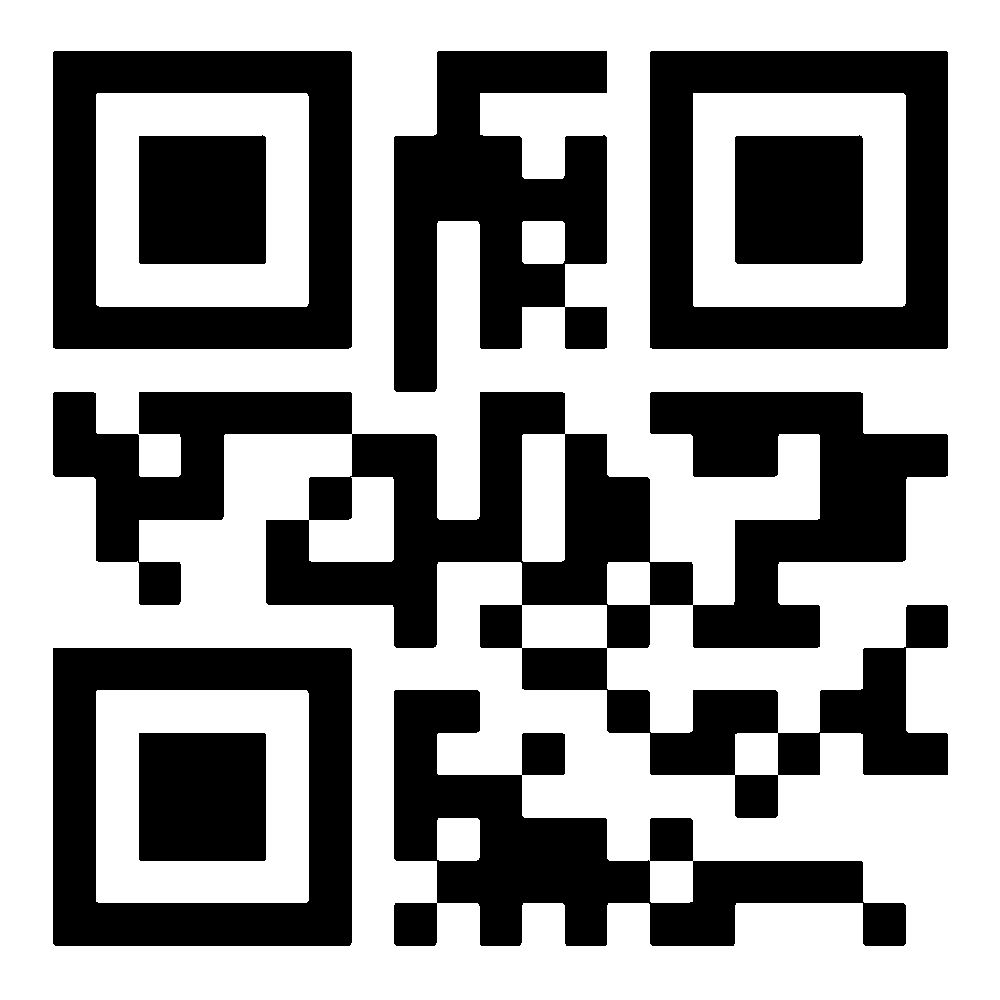
Choose your AquaVue Connect plan at activate.aquavuefl.com, then follow the 4G setup guide.
There’s no contract. Call 888-257-5702 or email support@aquavueli.com any time.
Not listed here? See all answers in the FAQ or call 888-257-5702.