


Setup guide
Activate your plan, pair the camera in the app and mount it. About 5 minutes, start to finish.
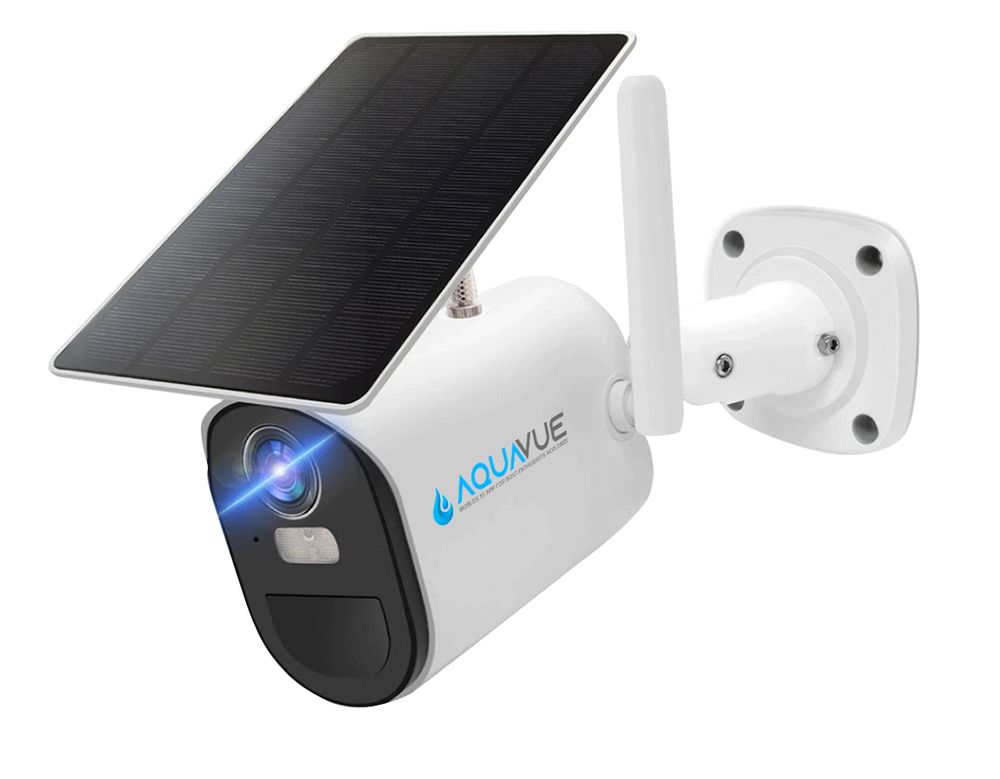
1
Step 1 · Activate
AquaVue Connect is $24.99/mo per camera. No contract, cancel anytime.
Step 2 · Pair & mount
Follow these in order. Most people are done in about 5 minutes.
1
Charge it
Fully charge the camera before first use.
2
Power on
Wait until the blue light stays solid. Not solid?
3
Open the AquaVue app
Tap “Add device” → “Set up 4G device”. Get the app
4
Scan the camera’s QR code
It connects in a few seconds.
5
Mount it
Screw, pole or clamp mount. You’re live.

Blue light not solid?
Some areas need the camera told to find a tower. It’s a 2-minute, one-time fix.
Do the one-time fixSetup videos
Two short videos walk you through pairing, the app and mounting.
App setup & features
9 min · Activating, pairing and getting around the app
Camera assembly & mounting
4 min · Putting it together and mounting it on your boat
Solace 4G is $229, plus AquaVue Connect at $24.99/mo. Wire-free, solar powered, no contract. Have a promo code? Add it at checkout.